

remote access software, remote control software, online meeting


I’m InTouch Server Edition

Secure, Premise Based Remote Access Solution

New Features Available in I'm InTouch Server Edition Version 2.8

  • Windows 7 support (32 and 64-bit)
  • 256-bit SSL encryption

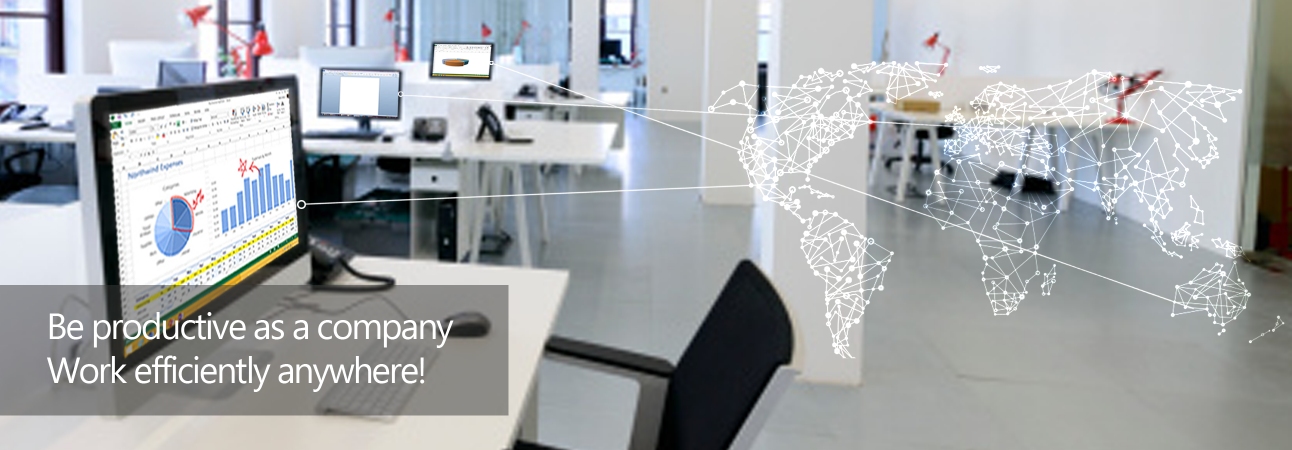
I’m InTouch Server Edition (SE) is an affordable and easy-to-use remote access service that puts your business information at your fingertips, regardless of where you are. By installing the I’m InTouch SE server gateway at your business, authorized employees can securely login to remotely control office PCs using screen-sharing technology. Mobile employees, telecommuters and IT staff can use virtually any PC connected to the Internet, to work on office PCs as if they were in the office. No pre-configured software is required on the device being used to login, just an Internet browser. As well, cell phones and wireless PDAs with Internet access can be used to login and remotely manage email and view files residing at the office.

I'm InTouch is protected under U.S. Patent Numbers 6,928,479 & 6,938,076.

One-time purchase licensing

Based on the number of PC’s that you require remote access to. Cost-effective alternative to traditional pcAnywhere, Terminal Services, Citrix Metaframe, or SSL VPN solutions Learn more by reviewing our Technology WhitePaper

Secure

The I’m InTouch Server gateway securely deploys behind your firewall or within your DMZ and utilizes standard Internet ports 80 & 443 for all host PC to server communications, eliminating the need for port forwarding to reach PCs on the internal network and dynamic DNS solutions Learn more about what makes I’m InTouch secure

Highly Scalable

The I’m InTouch SE server gateway brokers communication between the remote user and the host desktop PC and provides all the required administrative functionality. Most processing is done at the host desktop. This unique “Distributed Processing” server architecture means that a single server can handle from 500 to 2,000 users, depending on the specific server hardware configuration.

Web based remote access

From any Internet browser, eliminating the need to pre-configure the local device that you are logging in from with specific client software to be able to remotely access PCs at the office.

Easy Deployment

Install the I’m InTouch SE server within your network,and add user accounts. By entering your employeeor customer’s email address within their accountprofile, the system will automatically inviteusers to set up their computer for remote access.They simply download and run the I’m InTouchenabling software onto their Windows PC and withinminutes can begin to use the system. Users loginand see their PC as if they were sitting at it, essentially eliminating training.

Remote Wake-Up Functionality

Remote employees can Wake-Up their previously shut down PC when starting a remote session. Utilizing patent pending technology, an employee logs in to the I'm InTouch SE Wake-Up server, which finds their PC on the LAN and powers it on to enable a remote session.

Centralized system administration

Allowing system administrators to easily add, remove and manage users, control user restrictions and view usage reports. View Administrators Feature Document
bottom spacer
I'm InTouch Server Edition is for businesses requiring a premise based remote access solution that they can fully manage and control. If you would like Remote Access to a single PC or Multiple Remote Desktops in your business but prefer that we take care of managing the technology for you, try I'm InTouch Remote Access Software, our hosted subscription service. Email us at sales@01com.com or call 800-668-2185 for more information on our I'm InTouch remote access solutions.
 
News and Updates
Help and Support
Did You Know?
You can temporarily add Guest Users to I'm InTouch, perfect for conducting online meetings and presentations.
Learn More...