


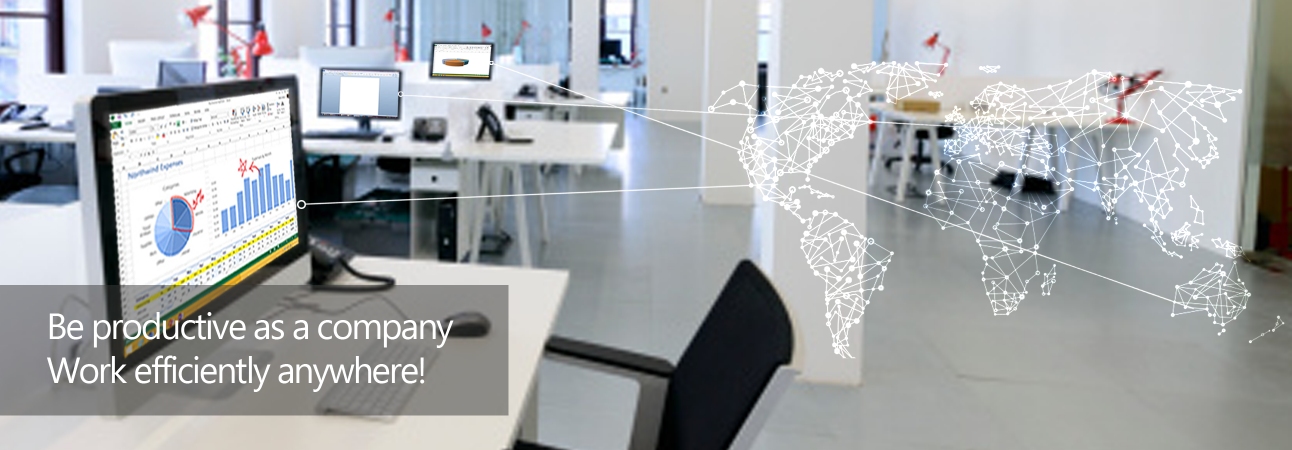

FeaturesFundamentally the remote access features of the I'm InTouch Server Edition is identical to the I'm InTouch subscription service. The only difference is that you are hosting your own I'm InTouch service for your employees. In other words, your employees are remotely accessing their office computers via your own I'm InTouch servers located at your own office or data center instead of the servers hosted by 01 Communique.
Administration Features
- Add/Remove/Edit user accounts of your I'm InTouch remote access system
- Manage Access Rights of user accounts including time-of-accessibility - Create Template for easy bulk management of user accounts - Monitor Usage Statistics of user accounts General Features - Click to Learn More from www.imintouch.com
- Controlling desktop computer as if you were sitting in front of it
- Remote printing - Remote audio - File transfer - Multi-Monitor support - Email access - Wireless notification of new emails - Online calendar - Remote contact management - Live streaming of webcam - Auto-Login/Physical Authentication via the I'm InTouch SecureKEY (optional device) - Guest invitation |
 About I'm InTouch (Server Edition)
 1-800-668-2185
Remote Control Software | Remote PC Access Software | Remote Desktop Software | Remote Access Software | Remote Desktop Connection | Remote Computer Access
I'm InTouch is protected under U.S. Patents #6928479, #6938076 and #8234701
A leader in Remote Access Software and Remote Control Software solutions
 Copyright © 2026 - 01 Communique Laboratory Inc. All Rights Reserved.