


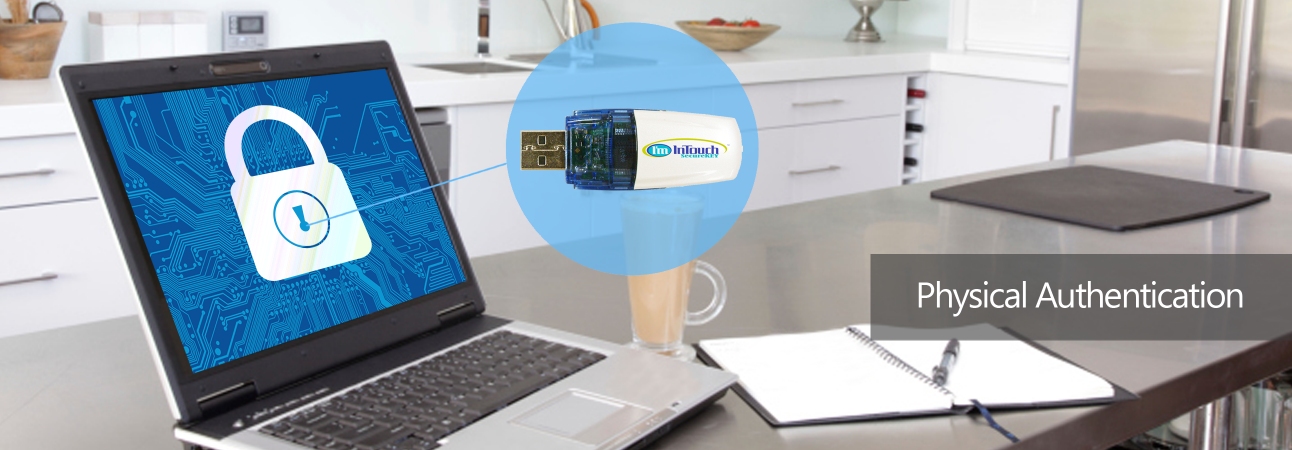

FeaturesI'm InTouch SecureKEY is a powerful physical authentication device uniquely activated with your I'm InTouch-enabled computer. Only a computer with your I'm InTouch SecureKEY in the USB slot can access your I'm InTouch-enabled computer in addition to the password protection. Chances of any unauthorized access is thus minimized.
Auto-Login can be enabled to allow controlling your I'm InTouch-enabled computer
remotely within seconds of inserting the I'm InTouch SecureKEY.
As a free bonus I'm InTouch SecureKEY can also be used as a 1GB USB storage drive.
|
 About I'm InTouch SecureKey
 1-800-668-2185
Remote Control Software | Remote PC Access Software | Remote Desktop Software | Remote Access Software | Remote Desktop Connection | Remote Computer Access
I'm InTouch is protected under U.S. Patents #6928479, #6938076 and #8234701
A leader in Remote Access Software and Remote Control Software solutions
 Copyright © 2026 - 01 Communique Laboratory Inc. All Rights Reserved.