

FAQs for I'm InTouch Server Edition Remote PC Access
 What are the major differences between the I'm InTouch Desktop Edition and the I'm InTouch Server Edition? What are the major differences between the I'm InTouch Desktop Edition and the I'm InTouch Server Edition?
|
||||||||||||
|
||||||||||||
|
What are the practical applications of the I'm InTouch SE remote access software?
|
||||||||||||
|
Workforce Mobility
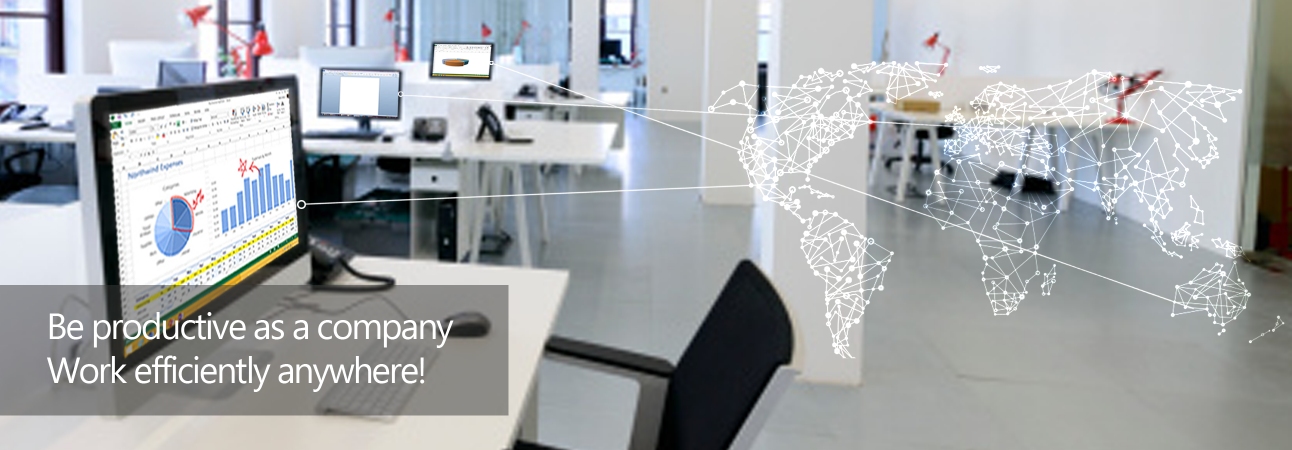
I'm InTouch Server Edition (SE) uses screen sharing technology to present to you your office PC and all business applications running on it. From virtually anywhere, using your home PC, Internet kiosk or hotel business center PC, employees can login and remotely control their office PCs to remain productive. The I'm InTouch Server gateway securely deploys behind your firewall or within your DMZ to meet corporate security policies and is sold as a one-time purchase, based on the number of PCs that you require remote access to.
Remote Technical Support/Helpdesk Tool
I'm InTouch Server Edition (SE) uses screen sharing technology to present any PC and all business applications running on it to technical support personnel. The solution provides un-attended access to any PC or server that has the enabling software pre-installed on it and that is turned on and registered with the I'm InTouch Server Edition gateway server. PCs registered to the system can be operating on the internal LAN or can be those on the public internet - at branch offices, employees' homes or customers' premises located anywhere in the world.
Reseller / System Integrators Solution
I'm InTouch Server Edition (SE) meets a variety of resellers' and market needs. It can be sold outright to customers to satisfy their workforce and technical support needs. Alternatively resellers can grow monthly service revenues by providing managed remote support and/or workforce mobility services to their customers. I'm InTouch SE provides an easy to use and secure solution that allows them the flexibility to provide a variety of services to their customer base through a single technology platform that they manage and operate from their business premises or data center. The solution provides un-attended access to any PC or server in the world that has the enabling software pre-installed on it and that is turned on and registered across the Internet with the I'm InTouch SE gateway server. The service portfolio could include remote management services for customers' servers and PCs. Another service option is to market a remote access/workforce mobility service to customers and charge a monthly remote access service fee. I'm InTouch allows for easy central management to add, delete and manage user accounts. It keeps technology costs low and margins high.
|
||||||||||||
|
What are the System Requirements for the I'm InTouch SE remote access software?
|
||||||||||||
|
Server Requirements
CPU:
Pentium 3 processor at 800MHz or higher - hard drive redundancy recommended
RAM:
512 MB RAM minimum for first 100 users, 64MB per 100 additional users
Operating System:
01 Communique optimized Linux OS supplied during installation
Storage:
Minimum 9GB SCSI for 100 users. RAID class disk array recommended
Network:
Static TCP/IP LAN connection. Approx 7.5 kbps of bandwidth required per active remote session. Each 1MB T1 can accommodate an average of 130 simultaneous remote sessions
Workstation (Host) System Requirements
|
||||||||||||
|
What are the Security Features of the I'm InTouch SE remote access software?
|
||||||||||||
|
System Architecture Security Features
Administrator Features
|
||||||||||||
|
How would I deploy and get started using I'm InTouch Server Edition?
|
||||||||||||
|
||||||||||||
|
How can I try the I'm InTouch Server Edition remote access software?
|
||||||||||||
|
Experience first-hand how easily you can remotely view and control your PC by downloading and installing a free 30 day trial version of I'm InTouch onto the PC you wish to remotely access. This full function trial replicates the I'm InTouch experience with the exception that we host the I'm InTouch Server Edition (SE) gateway in our data center and you do not have access to the SE system administration tools.
Resellers - join our Reseller Partner Program or contact us for more information at sales@01com.com
Phone: (800) 668-2185 North America or 1 (905) 795-2888 International Calls |
 For more information, download our Technology White Paper
 1-800-668-2185
 Copyrights 1992-2025 01 Communique Laboratory Inc.