


Choose one of the following links to find answers to your questions.
|
|
What is the SecurePC? |
|
Is there a difference between using the SecurePC as an I'm inTouch Premium or Standard user? |
|
How is the SecurePC different from a laptop? |
 |
What is Physical Authentication and how do I enable it for my SecurePC? |
|
Can I transfer or save files to my SecurePC? |
 |
I need to remotely access my computer but do not have my SecurePC with me and Physical Authentication is enabled. Is there anyway I can access my PC? |
 |
How much does the SecurePC cost? |
| |
|
|
| |
The SecurePC is a specially designed remote access terminal used to remotely control your workstation from anywhere you can get an Internet connection. No files can be transferred or saved to the device, ensuring all your information stays securely on your computer back in your home or office.
|
Is there a difference between using the SecurePC as an I'm InTouch Premium or Standard user? |
| |
I'm InTouch Standard users cannot enable Physical Authentication for their SecurePC; this is only available to Premium subscribers. |
How is the SecurePC different from a laptop? |
| |
The SecurePC affords you all the mobile freedom of a laptop without the security risks of lost data. Taking a company laptop out of the office means risking losing all the information on it if the laptop is misplaced or stolen. That data is then out of your control and accessible to whoever finds the laptop.
With the SecurePC, all the data stays on your office workstation since you use the SecurePC to remotely control your computer. If the SecurePC is lost or stolen, all your data is safely sitting on your office workstation and the only cost to you is replacing an inexpensive piece of hardware. |
What is Physical Authentication and how do I enable it for my SecurePC? |
| |
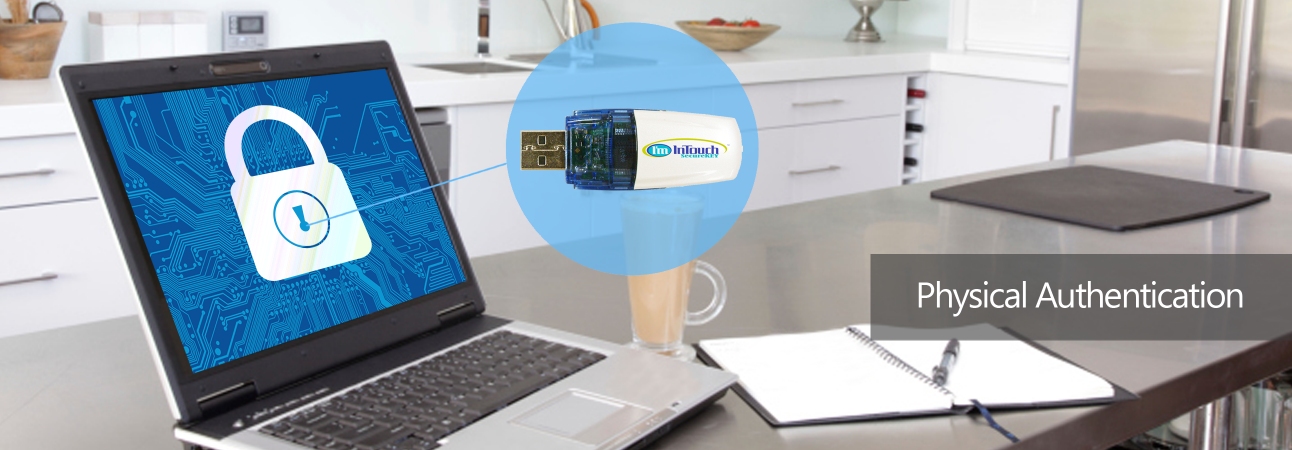
Physical Authentication allows I'm InTouch Premium users to require that the only computer that can remotely access their workstation is the SecurePC. This is useful for preventing unauthorized access since even in the rare case that your login information was compromised, access would not be possible without a SecurePC.
To enable Physical Authentication for your SecurePC:
- Login to your I'm InTouch Premium account at www.imintouch.com
- Select the checkboxes next to the computers you would like to enable Physical Authentication for and click the Physical Authentication link.
- Select Required under the SecurePC setting and click Save
|
Can I transfer or save files to my SecurePC? |
| |
No files can be transferred or saved to the SecurePC - the File Management and Transfer features of I'm InTouch are disabled when accessing from the SecurePC. This ensures there is no possibility of data leakage from a lost or stolen laptop. There is no need to transfer files from your office workstation since you can remotely control it with the SecurePC and use it just as if you were physically sitting in front of it. |
I need to remotely access my computer but do not have my SecurePC with me and Physical Authentication is enabled. Is there anyway I can access my PC? |
| |
Yes, if you have access to the List of Computers page.
- Login to your Premium account at www.imintouch.com
- Check the box next to the computer your SecurePC is associated with that you want to access and click the Physical Authentication link
- Under the SecurePC setting select "Not Required "
- Click Save
You can now access your computer without the SecurePC. When you are finished, to re-enable Physical Authentication, follow the above steps but select Required instead of Not Required. |
How much does the SecurePC cost? |
| |
The MSLP for the SecureKEY is $599.95 USD. Discounts are available for I'm InTouch subscribers. Contact us to find out more. |