




How It WorksYour customers will be submitting Live Chat requests by clicking a URL provided by I'm OnCall on your site. This is similar to making a phone call to customer service except that the customer is asking for a Live Chat with an agent rather on your web site.
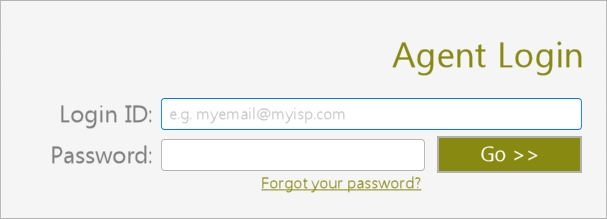
1) Login - Go to imoncall.01com.com/login.php. Your agents simply login and wait for a "live chat request". This is similar to how they wait for incoming phone calls.
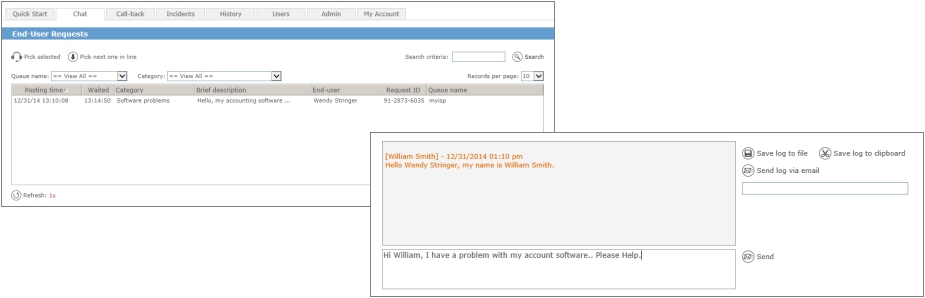
2) Pick Up a Live Chat Request - Similar to picking up a phone call your agents simply pick up pending Live Chat requests and start chatting real-time with the customers. For maximum productivity, an agent can chat with multiple customers at the same time. Incidents can optionally be created to log the support events.
3) Remote Control - If necessary you can request remote control of your customer's computer:
- Send your customer a request for a temporary remote control session permission
- Once accepted, your customer's computer screen will appear on the agent's computer - The agent can then help resolving issues as if he/she was sitting in front of it 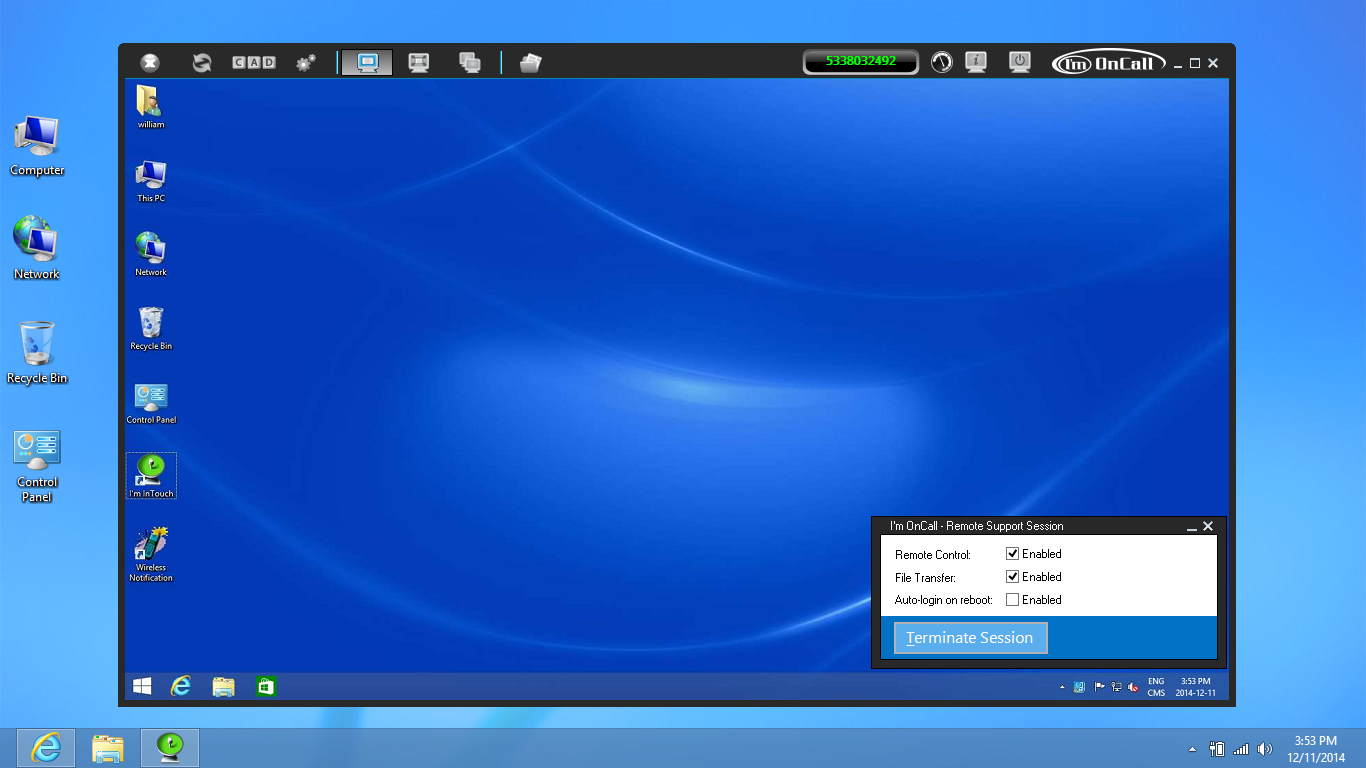
|
 About I'm OnCall
 1-800-668-2185
Help Desk Software | Live Chat | Free Remote Support | Remote IT Support | Remote Support | Managed Service Provider | Internal Help Desk
I'm InTouch is protected under U.S. Patents #6928479, #6938076 and #8234701
A leader in Remote Access Software and Remote Control Software solutions
 Copyright © 2026 - 01 Communique Laboratory Inc. All Rights Reserved.